
Meta Ads · Advertising data
Meta Ads performance inside each ecommerce project
Connect the Meta ad accounts you can access, assign the right account and campaigns to a project, and compare provider-attributed results with store performance.
For ecommerce teams and agencies running Facebook and Instagram campaigns across one or many projects.
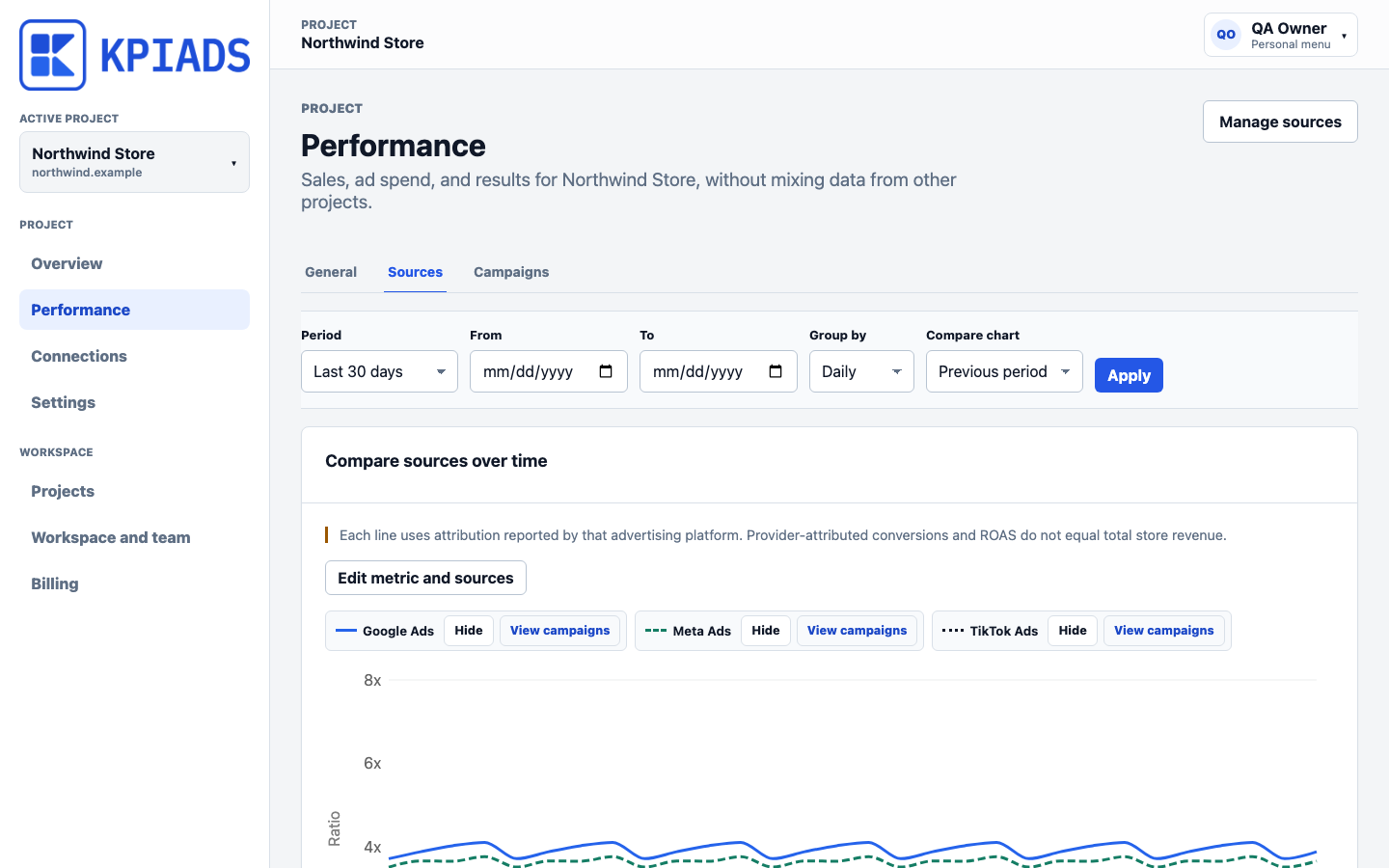
Source and campaign metrics remain traceable while the project overview preserves the total ecommerce result.
OAuth, ad-account selection, campaign selection, and reporting have been validated with a real Meta account.
What it adds
One source, kept inside the right project
- 01
Select from the ad accounts available to the connected Meta user.
- 02
Assign multiple campaigns from the same account to one KPIAds project.
- 03
Review spend, clicks, CTR, conversions, CPA, and provider-attributed ROAS without mixing projects.
Data scope
Know what enters KPIAds before you connect
KPIAds limits each connector to the data required for project-level ecommerce performance reporting.
Data used for reporting
- Ad account and campaign identifiers and names
- Spend, impressions, clicks, conversions, and attributed conversion value
- Derived CTR, CPC, CPM, CPA, and provider-attributed ROAS
Not collected for this scope
- Your Facebook or Meta account password
- Store customer records or raw ecommerce orders
- Ad creation or budget changes in the current reporting-only scope
Before setup
Compatibility and requirements
- OAuth scopes
- ads_read, business_management
- Campaign assignment
- Multiple per project
- Current scope
- Read-only reporting
- Availability
- Private beta
What you need
- Access to the Meta ad account through the Facebook account used during OAuth.
- A KPIAds project with capacity for the advertising property.
- Campaigns available in the selected ad account and reporting period.
Connection flow
Guided setup without shared passwords
- 1
Open Advertising connections inside the intended KPIAds project.
- 2
Authorize KPIAds with the Meta user that has ad-account access.
- 3
Choose the ad account and assign it to the project.
- 4
Select the campaigns that belong to the project and start reporting sync.
Questions
What teams usually need to confirm
Can one Meta login expose several ad accounts?
Yes. KPIAds lists the ad accounts available to the connected Meta user so the correct property can be selected and assigned to a project.
Is Meta-attributed ROAS the same as total store ROAS?
No. Meta attribution and total store revenue answer different questions. KPIAds labels provider-attributed metrics and keeps them separate from the blended project result.
Can KPIAds change campaigns or budgets?
Not in the current beta scope. The integration is read-only and focused on reporting and campaign comparison.