
Meta Ads
Authorize available Business Manager or advertiser access, then choose the properties and campaigns for each project.
Product
KPIAds separates broad Ads access from project reporting. The workspace can hold authorized properties while each project selects only the properties and campaigns it needs.
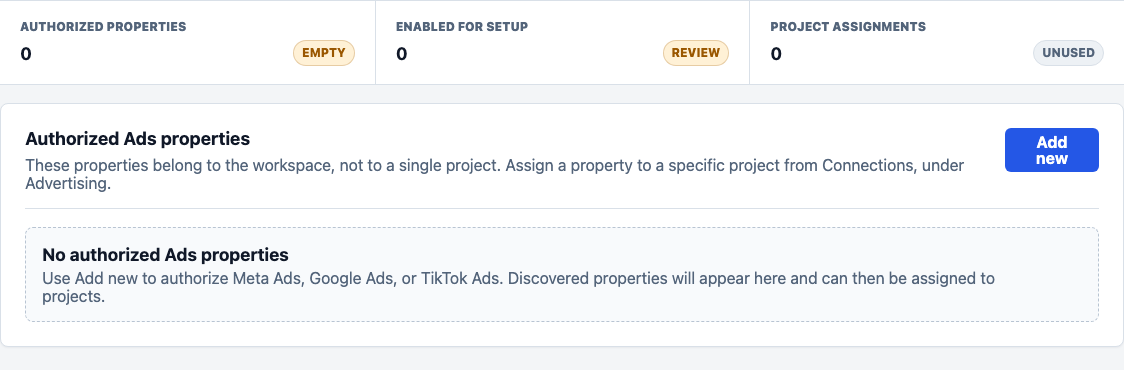
Sources remain available to projects without becoming a mixed account-wide report.
Model
Authorize available Business Manager or advertiser access, then choose the properties and campaigns for each project.
Connect manager or advertiser access when production permissions are available, then keep reporting scoped to projects.
Connect advertisers through TikTok authorization and assign the correct advertiser to the correct project.
Operations
Authorized Ads properties can be managed at workspace level. A property assigned to a project must be removed from that project before deletion, which protects reporting history and prevents accidental data loss.
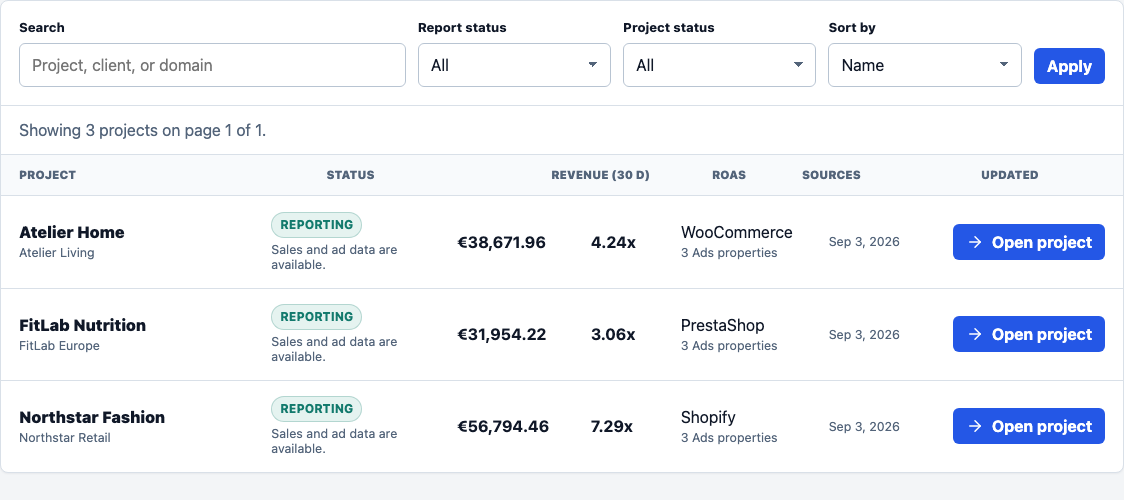
Use workspace access without losing project boundaries.